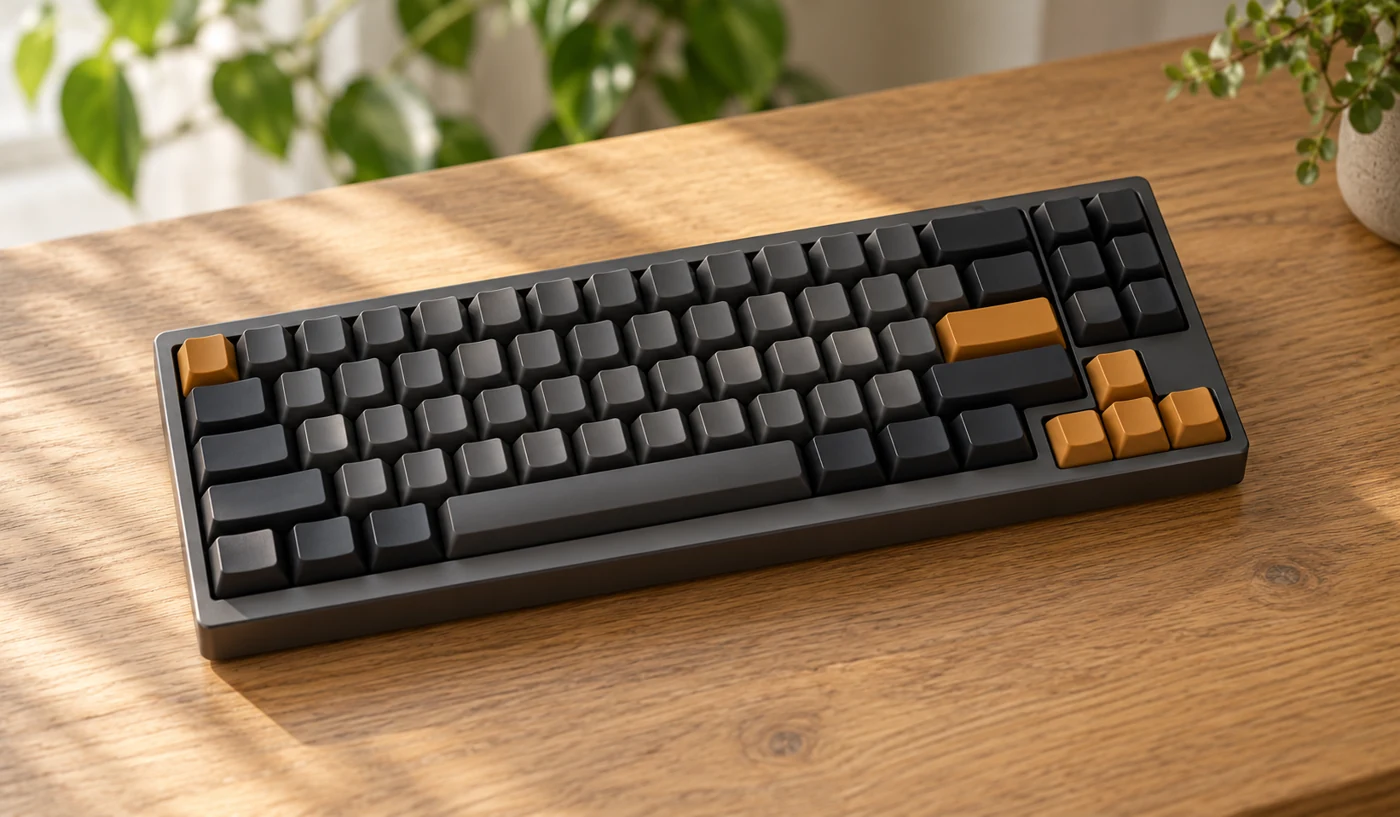
This is research-based analysis of a device category, not a hands-on test or a model ranking. Images are AI-generated illustrations. Verify the exact specifications with the manufacturer before buying.
A mechanical keyboard can change the feel of a desk, but the switch is only one part of the decision. Layout, key spacing, case height, software, and sound all affect everyday use. This category review is a way to make a shortlist, not a claim that one switch or keyboard is best for everyone.
Keep the keys your work depends on
Start by watching your own hands for a working day. If you enter numbers constantly, a number pad may be worth the space. If you rarely use it, a narrower keyboard can leave more room for a mouse. Check dedicated navigation keys and the function row before accepting a compact layout.
A familiar key can move or become a key combination on a smaller board. Look at the exact regional layout, including Enter, Shift, and the printed symbols. A product photograph from another market may not show the version sold locally. Confirm the model code and layout in the seller’s listing.
Understand the switch descriptions
Linear, tactile, and clicky describe broad families of feel and sound. Logitech’s mechanical switch documentation illustrates these differences, but the labels do not guarantee identical behavior between manufacturers. The resistance, travel, housing, and keycaps still matter.
Try a switch sample or a complete keyboard if you can. A few test presses are helpful, although typing a paragraph is better. Online recordings offer a rough impression of sound; microphone placement, the desk, the room, and recording settings can change the result. Avoid treating a video as a precise sound measurement.
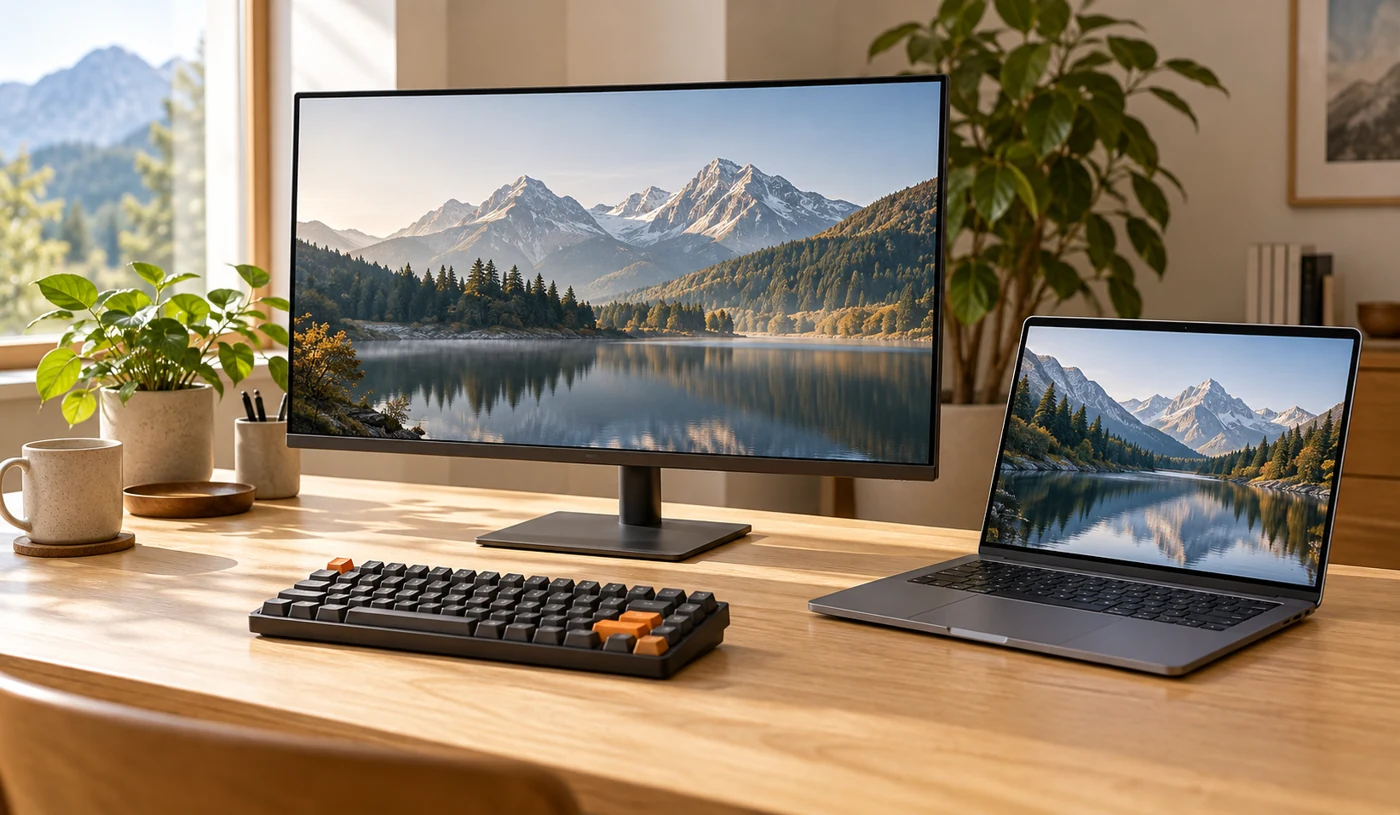
Make room for the whole setup
Check front-edge height and how comfortably your hands reach the keys. A wrist rest may be useful for pauses, but it adds to the space the keyboard needs. Look at the depth of the desk and the distance to the screen rather than assuming a more substantial keyboard will automatically be more comfortable.
If you work around other people, consider the complete keyboard’s noise. A quiet switch label does not tell the whole story; large keys, stabilizers, and the case can add sound. A practical return policy is valuable when you cannot try the board in the room where it will be used.

Check connection, software, and repair options
Choose wired, Bluetooth, or a dedicated receiver around the devices you actually use. Confirm how switching works and whether the keyboard’s shortcuts match your operating system. If a receiver is required, include the occupied port and a possible adapter in your plan.
Some keyboards allow replacement switches; others do not. Check the exact hot-swap support and compatible parts before buying extras. Also confirm whether remapping requires installed software, an account, or administrator access. A work computer may restrict these. Choose useful defaults first, then treat customization as a bonus.
Why consider this category
- A wide choice of layouts and typing feels
- Some models offer replaceable switches and keycaps
- A compact layout can free space for a mouse
Trade-offs to know
- Noise depends on the entire keyboard
- Compact layouts can hide familiar keys
- Customization and wireless features can require extra software
Who this suits
People who type regularly and want to choose the feel and layout of their desk keyboard. Shared offices need particular attention to sound.
The Gizmo Verdict
Make everyday typing more satisfying.
Choose the layout and connection first. Then try the feel and sound of the whole board. A keyboard that fits your routine is more useful than an impressive switch specification in the wrong layout.
Sources & editorial method
Published October 18, 2026. We consulted the official resources below for technical background and wrote our own buying framework. References to individual brands illustrate a feature or concept, rather than endorse a model. Features, availability, and documentation can change.

Found something that needs correcting? Email the editor.
